Server Chunk Cache Mod Settings
Since the server is a grouped server, and the main server and creative server share the same world name and seed, you need to follow the steps below to allow the Bobby mod to correctly handle chunks for the corresponding world.
From the main menu or by pressing ESC, find the Mods button, click to enter, and you'll see a page like the one shown below.
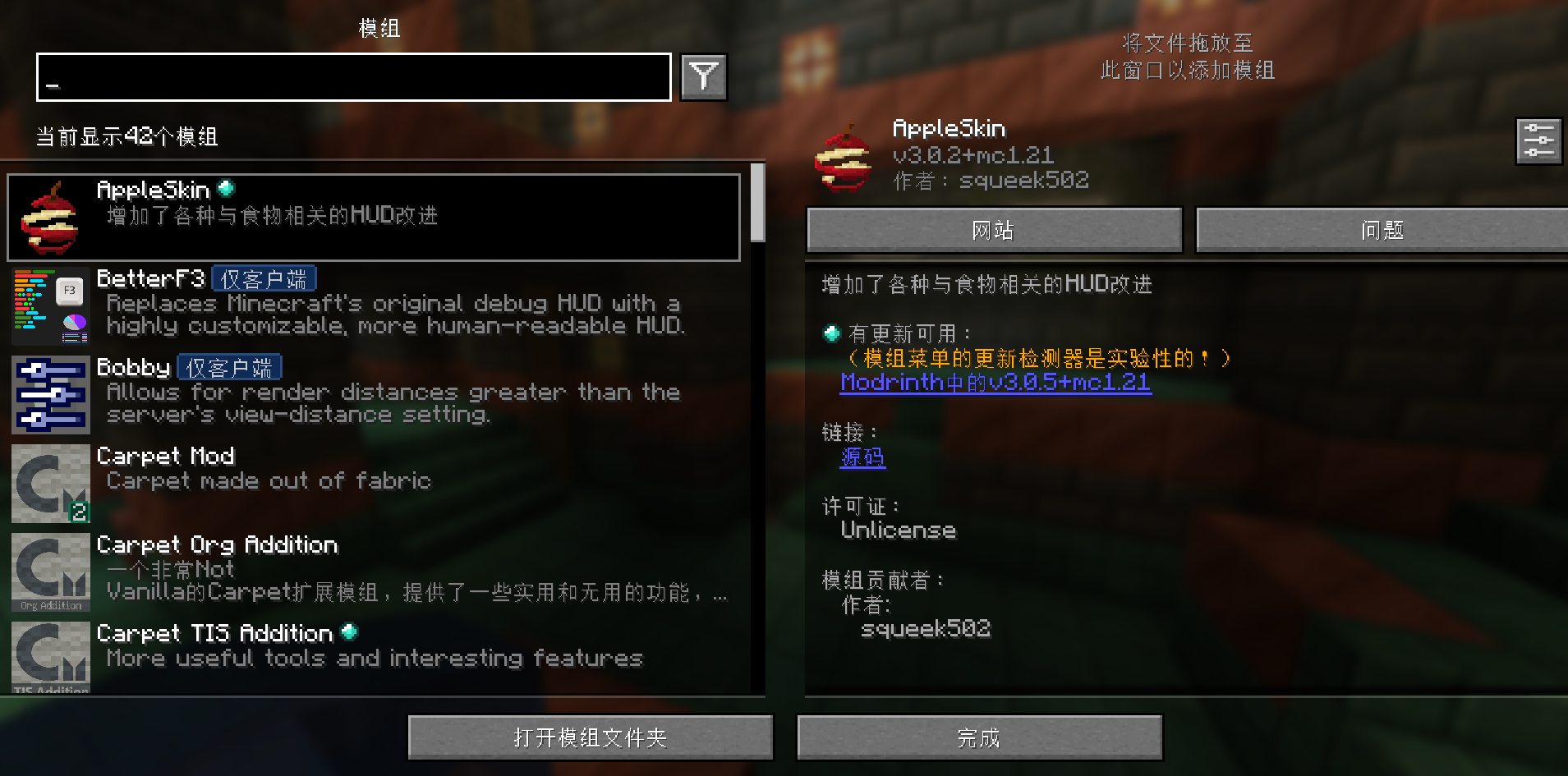
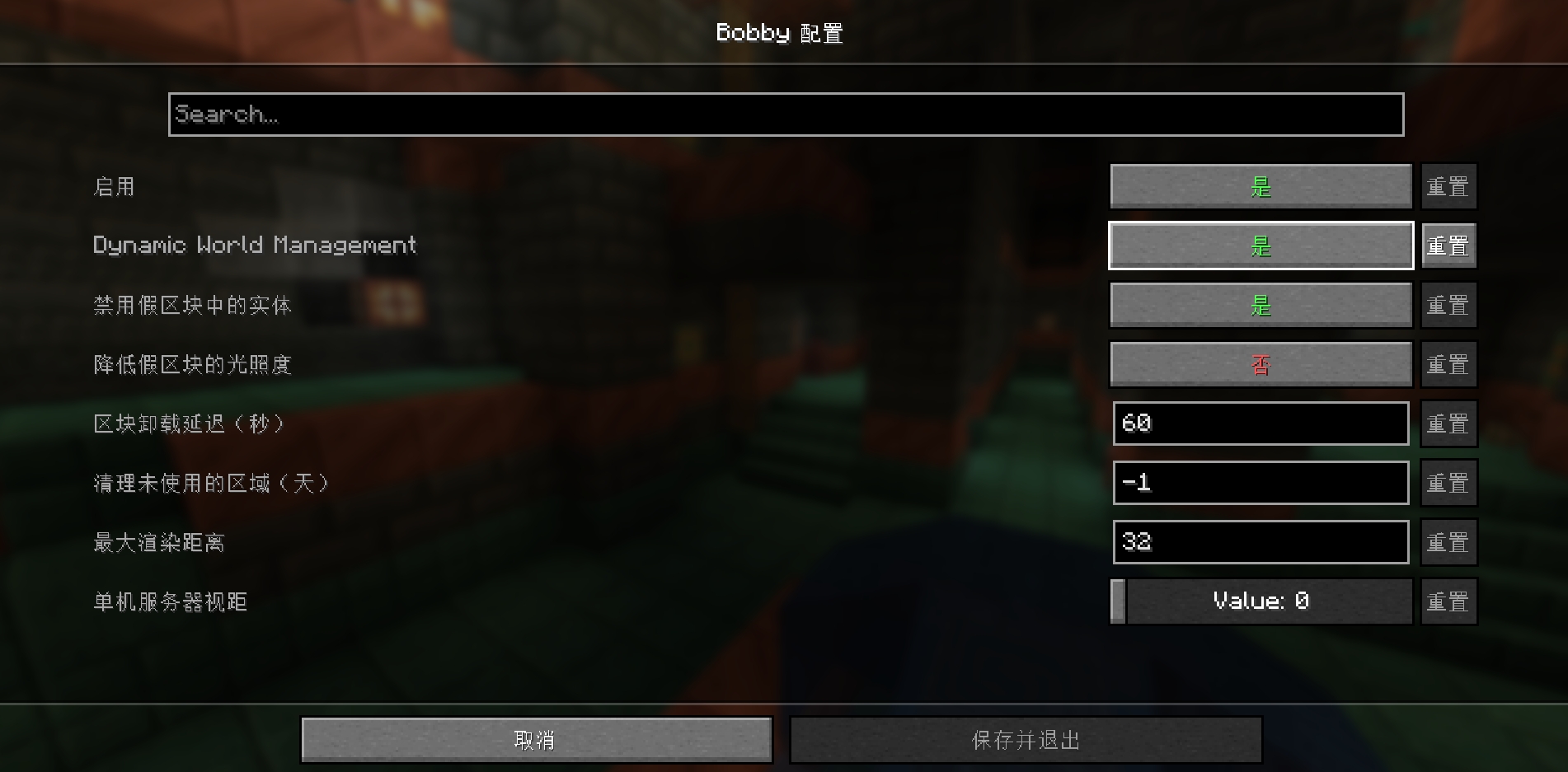
Find Bobby on the left side, hover your mouse over the mod's icon to enter its settings. On this page, set Dynamic World Management to True.
After that, you need to open your Minecraft version folder for the corresponding version and delete the .bobby folder inside, then re-enter the game.
You can find where the version folder is located through the launcher — there should be an option related to opening the version folder.
If version isolation is not enabled, the folder is located at /.minecraft. If you have version isolation enabled, it's at /.minecraft/versions/your_version_name.